For Developers
Bring full-body interaction to your game.
For Developers
Bring full-body interaction to your game.
BodyLink is a TV-first motion platform. The Unity SDK is currently in private beta with body tracking, gesture input, multiplayer support, and sample scenes for fast prototyping.
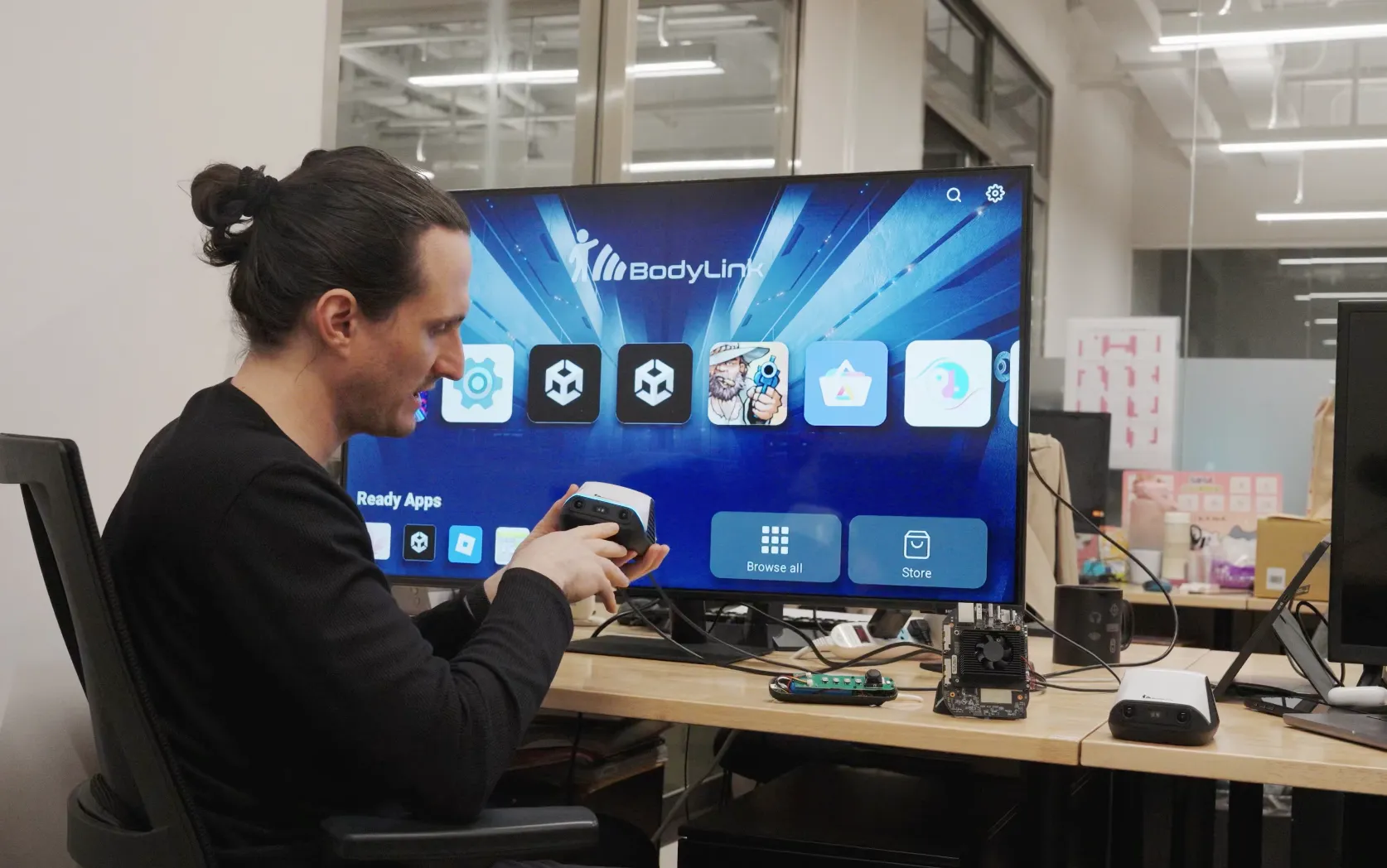
See It In Action
See the latest hardware update and 3rd party games
BodyLink Kickstarter Update
Hardware update — February 2026
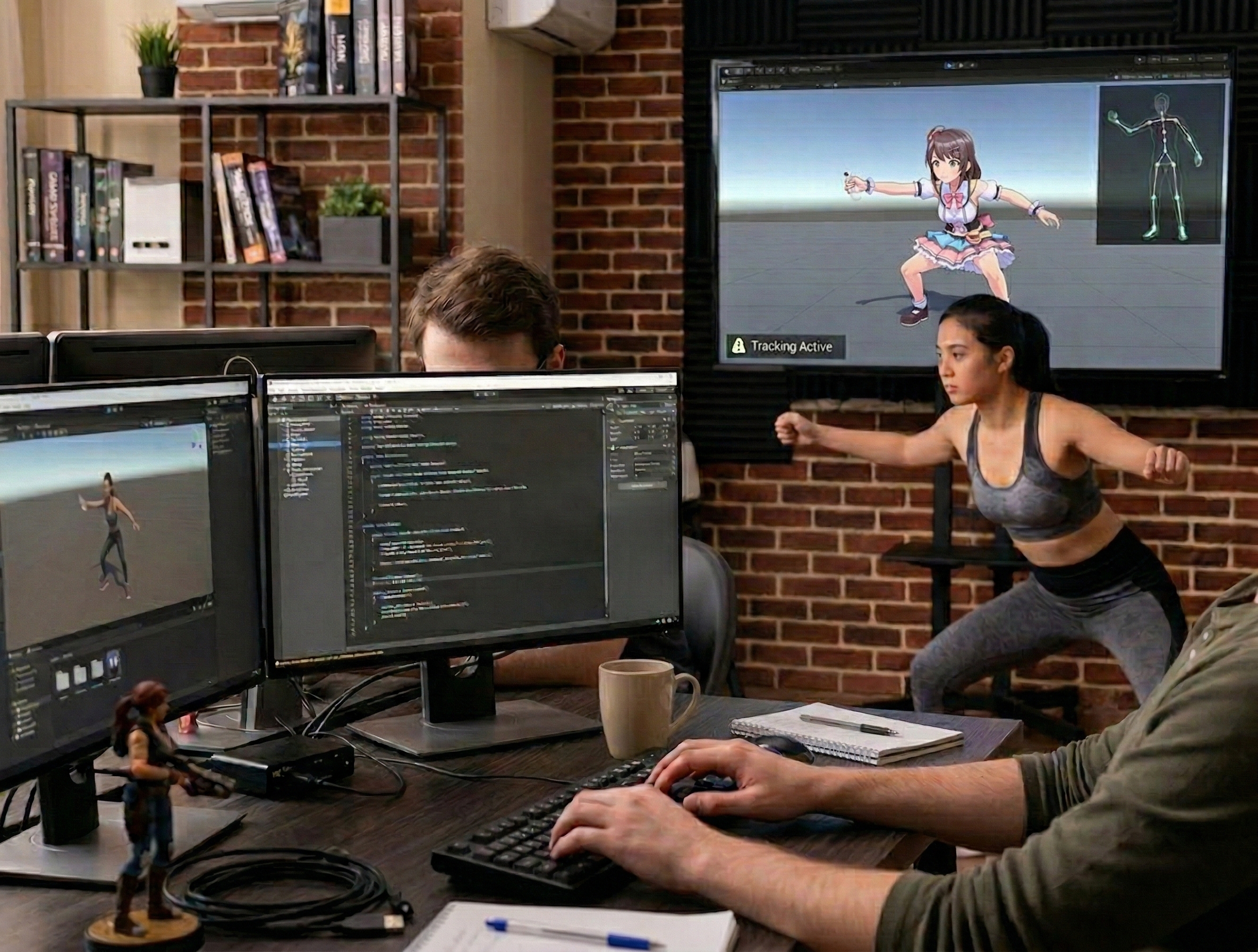
For game developers
If you already ship in Unity, BodyLink adds body tracking, gesture input, and local multiplayer through one SDK. Existing motion-heavy projects, party games, and TV-first ports are a natural fit.
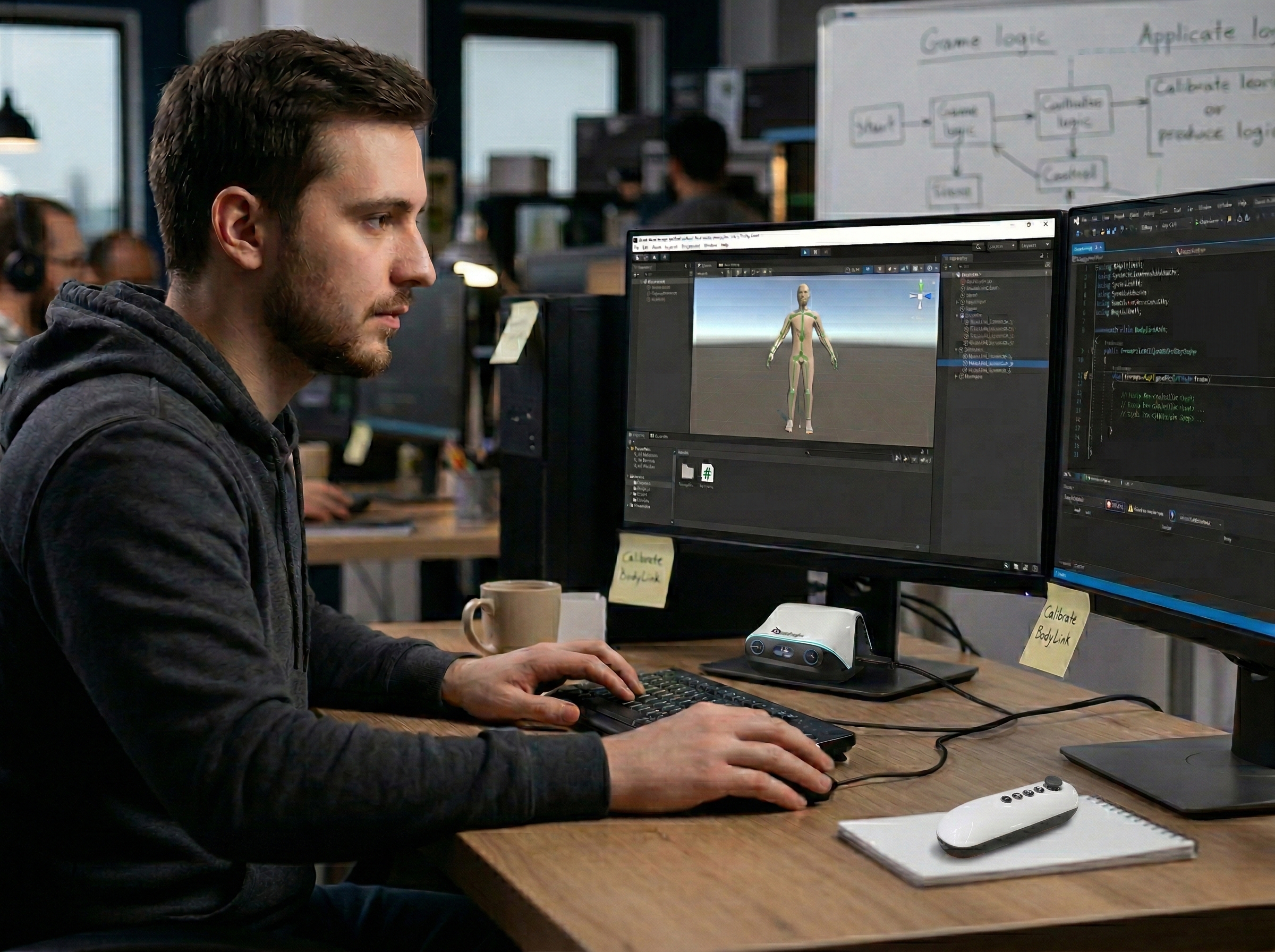
For creators & tinkerers
BodyLink runs Android, so you can load APK builds, experiment with tracking APIs, and prototype beyond traditional games. Custom gesture detectors let you adapt the input stack to your project.
Engineering support
Start your engines.
Unity access is available through the current private beta. More engines and runtimes are on the roadmap.
Unity
Private BetaThe current SDK for BodyLink development. It includes body tracking, gesture input, multiplayer helpers, cursor control, and sample scenes.
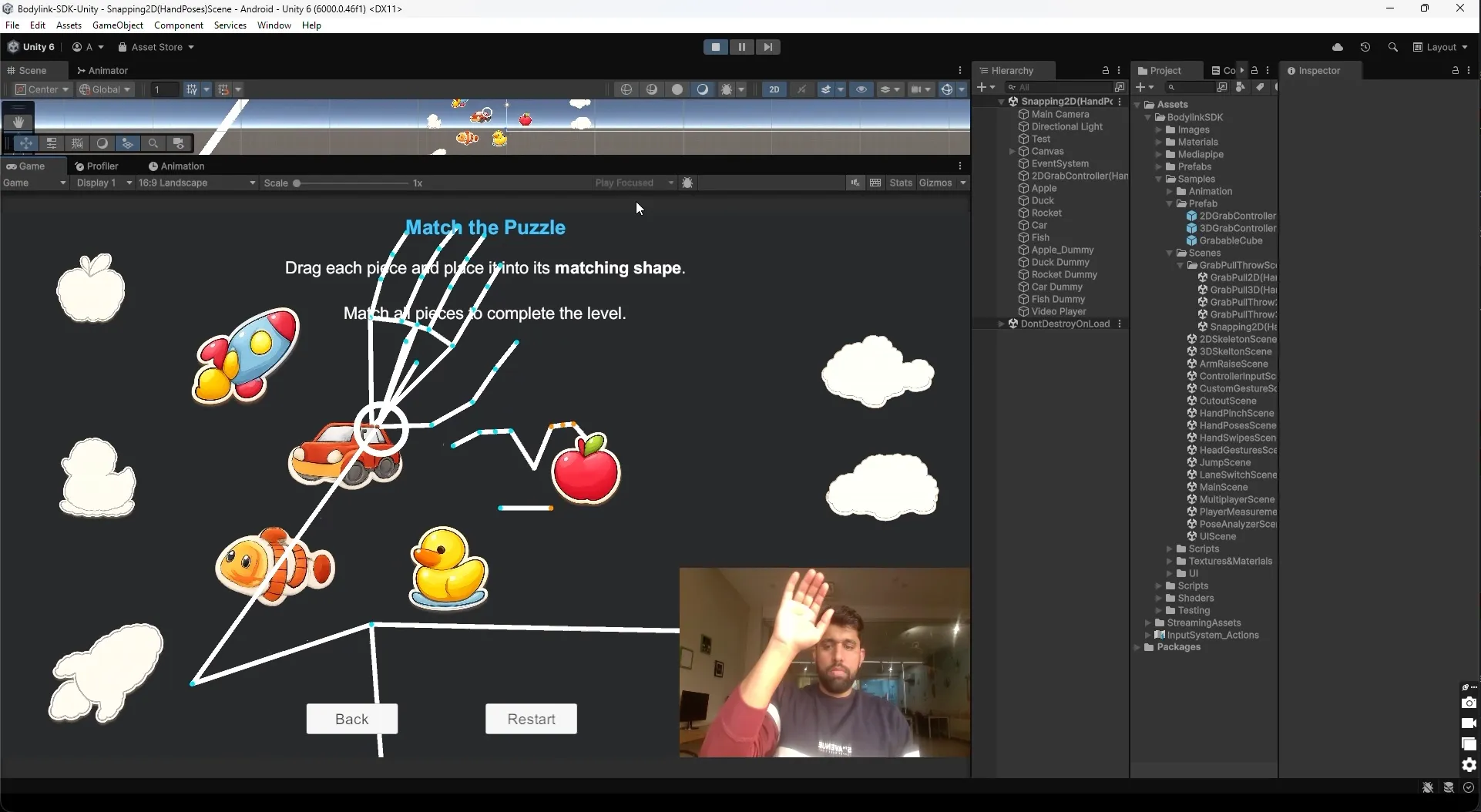
Web / JavaScript
Private AlphaBrowser-based SDK for web games and interactive experiences using WebSocket or WebRTC.
Unreal Engine
PlannedNext in line if partner demand is strong. We are scoping Blueprint-friendly integration and native APIs.
Join WaitlistNative Android
PlannedFor teams that want direct Android access without going through a game engine.
Join WaitlistGetting Started
From blank scene to first interaction.
Add the prefab, subscribe to input, press play. The SDK handles calibration and starts tracking.
Drop in the prefab
Add the Bodylink prefab to initialize tracking, input, and default calibration.
// No code needed for step 1
// Just drag → drop → done
Listen for gestures
Use the unified input event to receive the gesture name, player index, and parameters.
Bodylink.Instance.inputEvents
  .OnGestureDetection +=
  (player, gesture, args) =>
  {
    // "Jump", "ArmRaise", etc.
};Hit play
Press play. The SDK calibrates and starts streaming input with no extra setup.
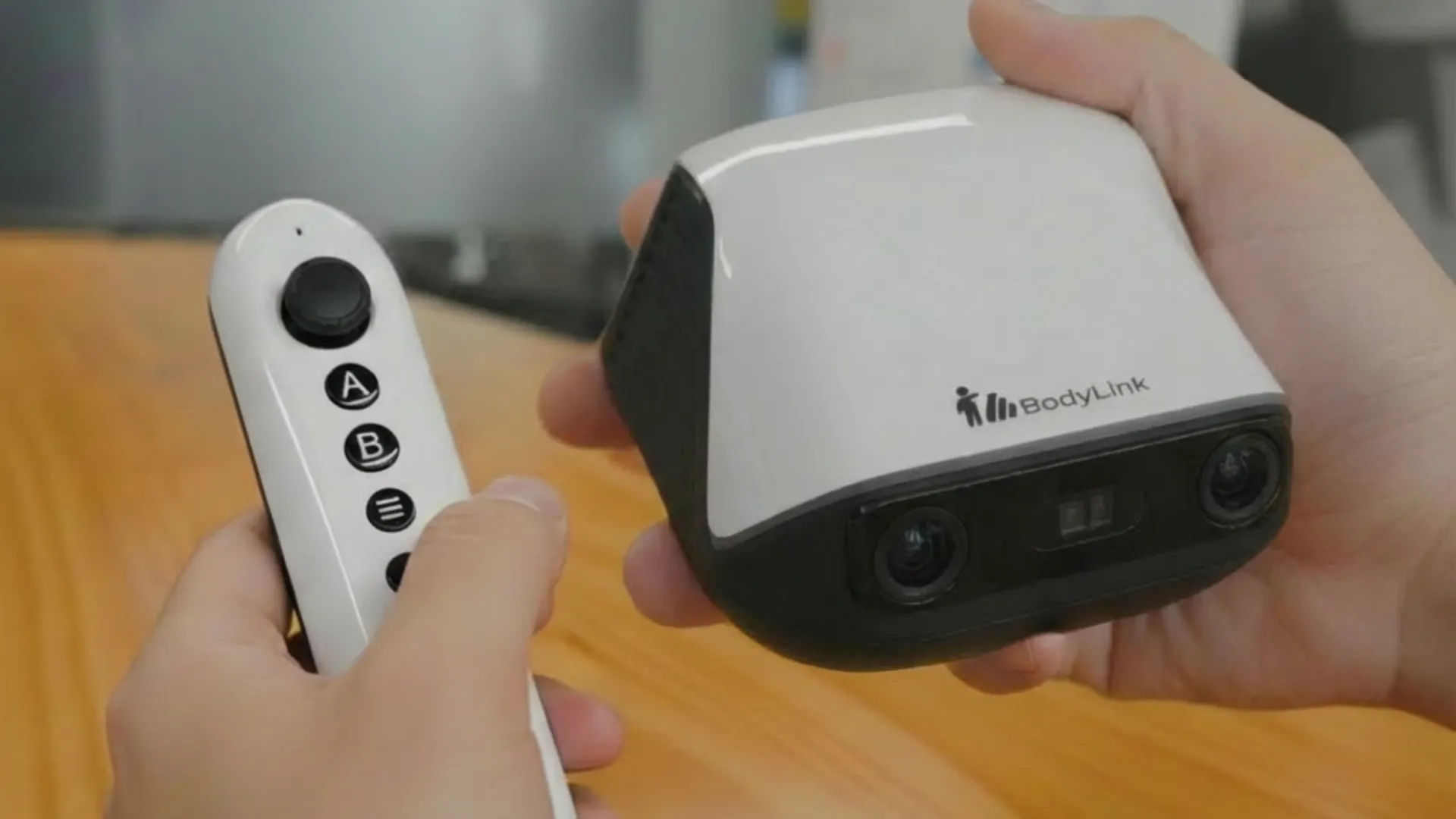
System + controllers ready to track
Real Code
What integration looks like.
Representative snippets from the SDK, request access to dig in.
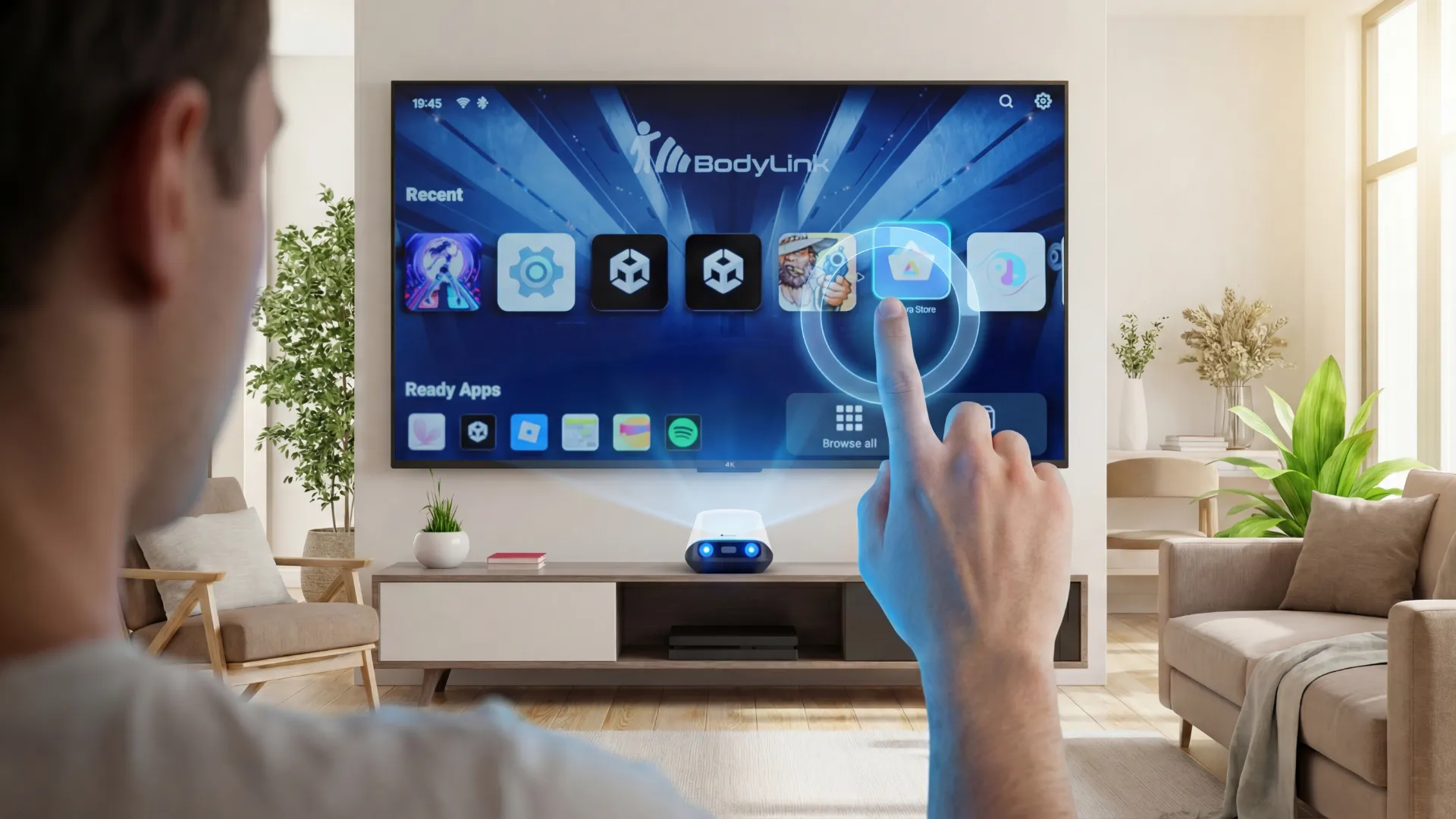
Subscribe to the unified gesture event. Multiplayer events include the player index.
// Subscribe to the unified gesture event
Bodylink.Instance.inputEvents
  .OnGestureDetection += (playerIndex, name, args) =>
{
    switch (name)
    {
        case "Jump":
            float height = (float)args[0];
            character.Jump(height);
            break;

        case "ArmRaise":
            Side side = (Side)args[0];
            float level = (float)args[1];
            character.RaiseShield(side);
            break;

        case "BodyMoveLeft":
            character.SwitchLane(-1);
            break;
    }
};
C# / Unity · Request SDK Access →
What You Get
Input layers from raw data to gameplay events.
Start with higher-level gestures or drop down to tracked landmarks, calibration, and player data when you need more control.
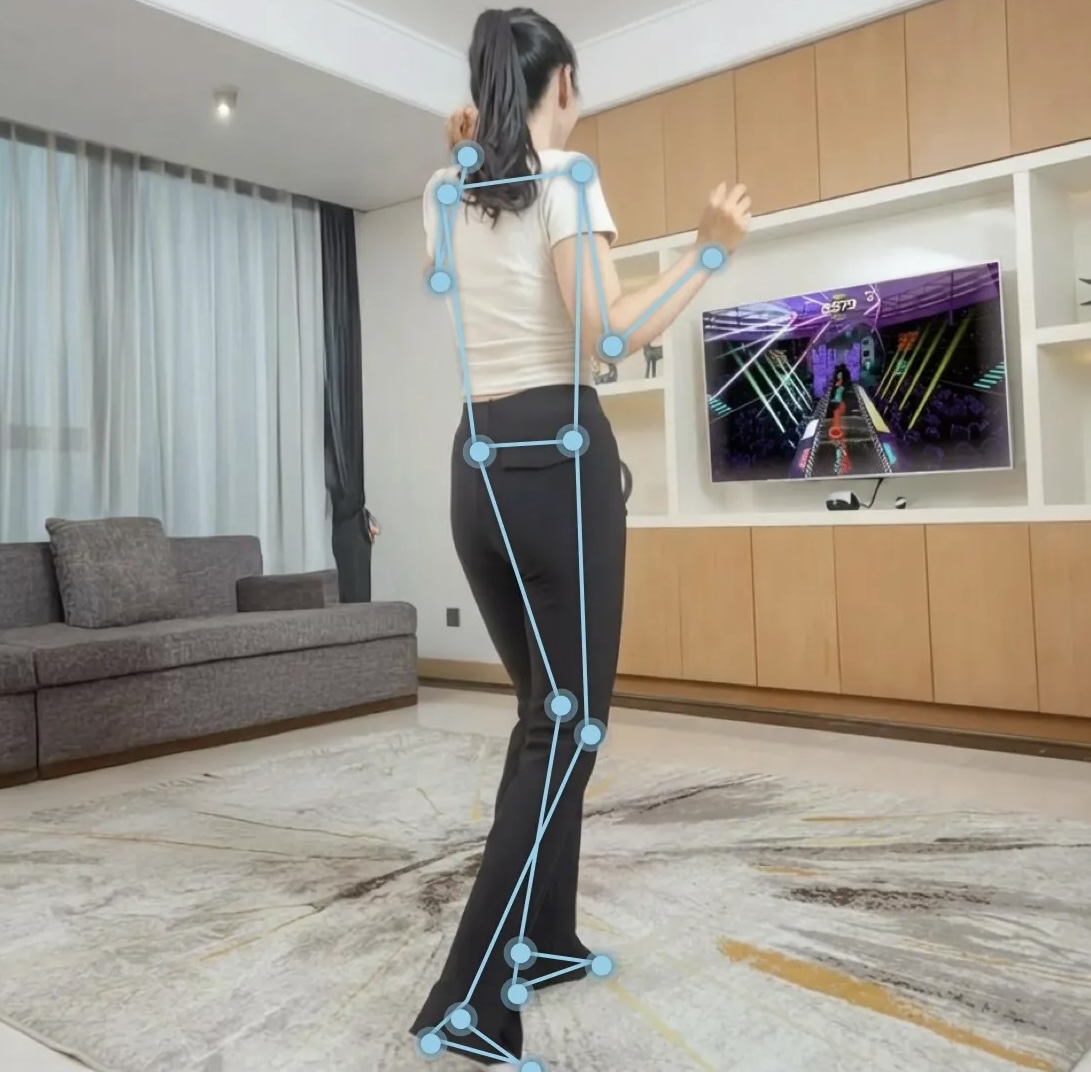
Full-Body Tracking
Pose landmarks and skeleton data for the whole body, available in 2D and 3D with raw and smoothed variants.
Hand Gestures
Swipe detection plus static hand poses such as fist, open palm, pointing, thumbs up, victory, and more.
Head Gestures
Nods, head shakes, and directional look input for menus, prompts, and lightweight interactions.
Body Movements
Jump detection, arm raises, and side-to-side body movement for rhythm, fitness, and action mechanics.
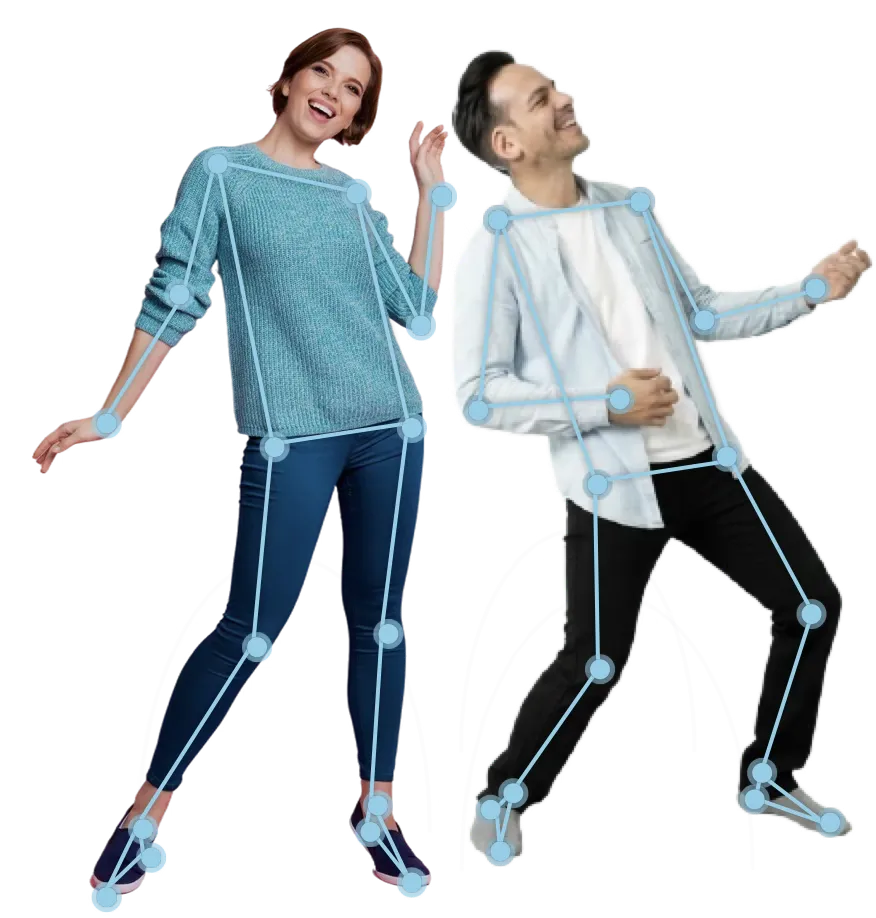
2-Player Multiplayer
Track two camera-based players in the same session with separate calibration and event routing.
Cursor & UI Control
Hand-tracked cursor input with pinch-to-click support for standard Unity UI.
Body Segmentation
Extract a player silhouette from the camera feed for mixed-reality-style scenes and effects.
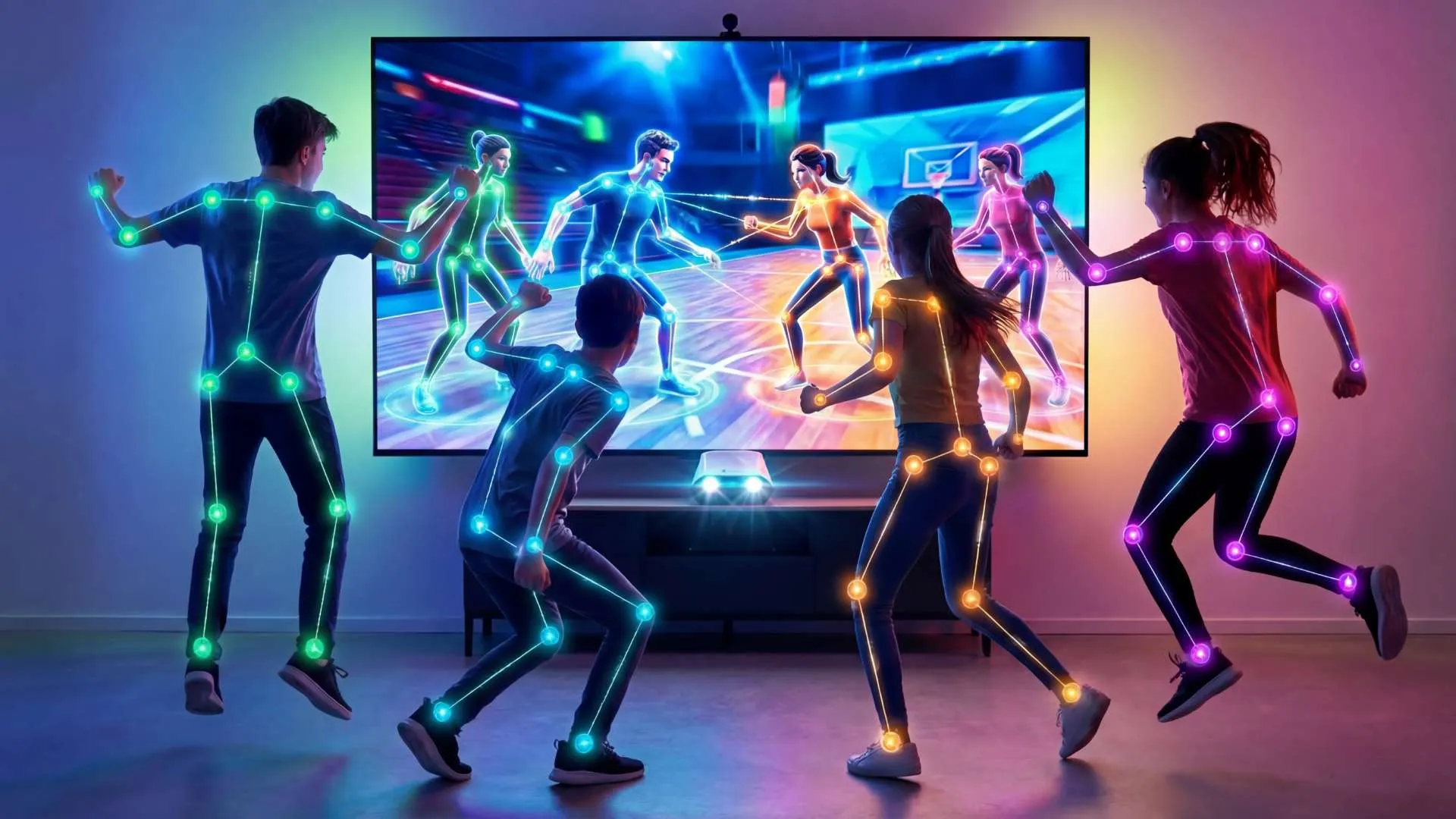
4-Player Multiplayer
Controller TrackingSupported games can use up to four controllers for local multiplayer, with per-player identity and calibration.
Developer Onboarding
How publishing on BodyLink works.
From approval to store launch, here is the current process for partner studios.
Sign NDA & Get Access
Access docs, builds, and partner support once your developer signup is approved.
Test the Unity SDK
Download the SDK, review the sample scenes, and validate fit for your project.
Integrate into Your Game
Add tracking, gesture input, or controller support to your game.
Submit APK for Hardware Testing
Send us your build so we can run it on current BodyLink hardware.
Submit Store Assets
Provide screenshots, store copy, and metadata for the listing.
Final Approval
Address any certification, compatibility, or launch-checklist issues we flag.
Launch on BodyLink
GO LIVEYour game goes live. Players worldwide.
Interested in the launch program?
Tell us what you're building. If it fits the current program, we'll follow up with SDK access, hardware details, and support options.
Talk to the Dev TeamLaunch Title Program
Why build for BodyLink.
For the right launch partners, the program combines favorable terms with early platform support on a TV-first motion platform.
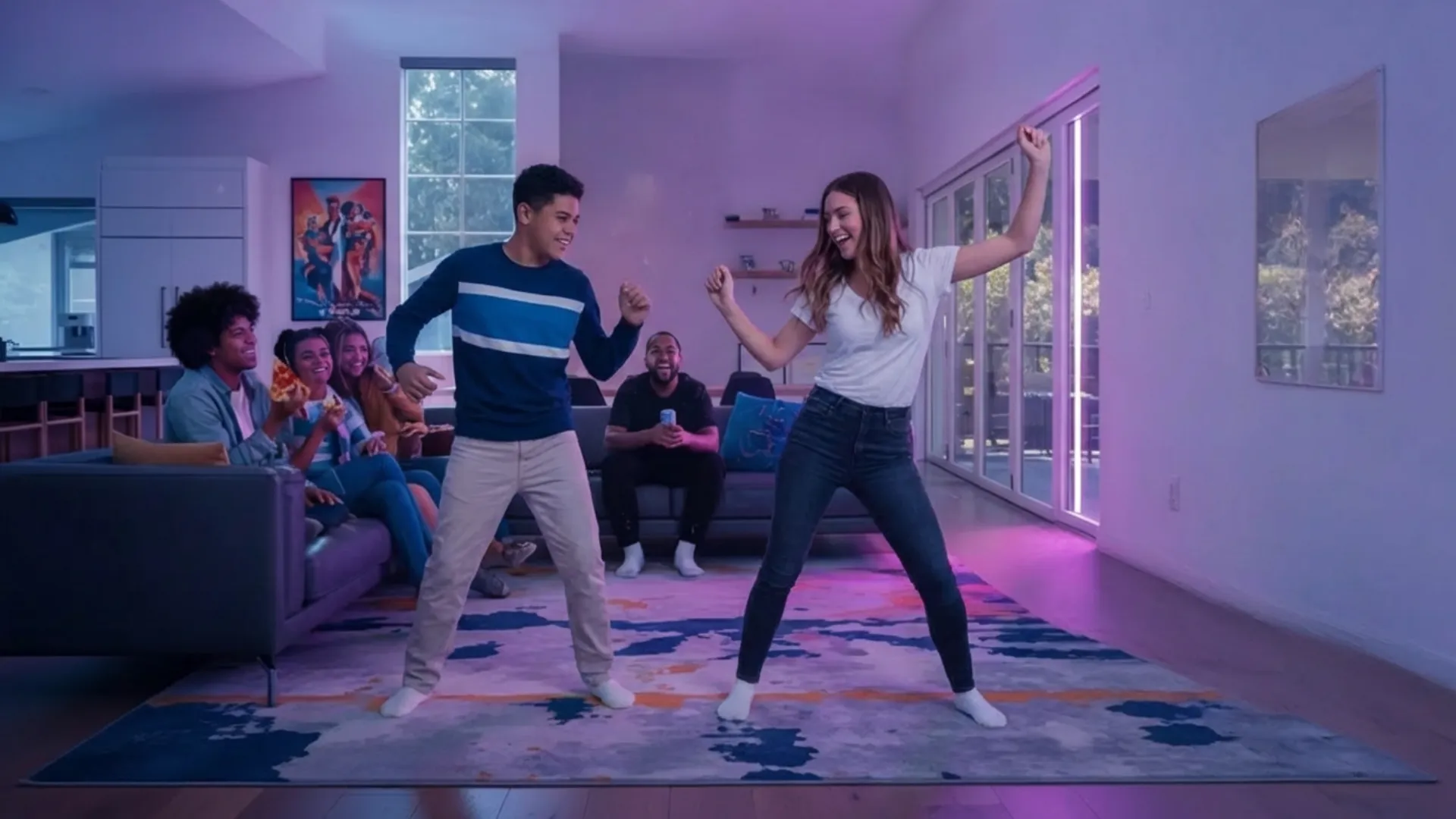
90%
Up to 90% Revenue Share
For approved launch titles, year-one rev share can reach 90%, then 80% after that.
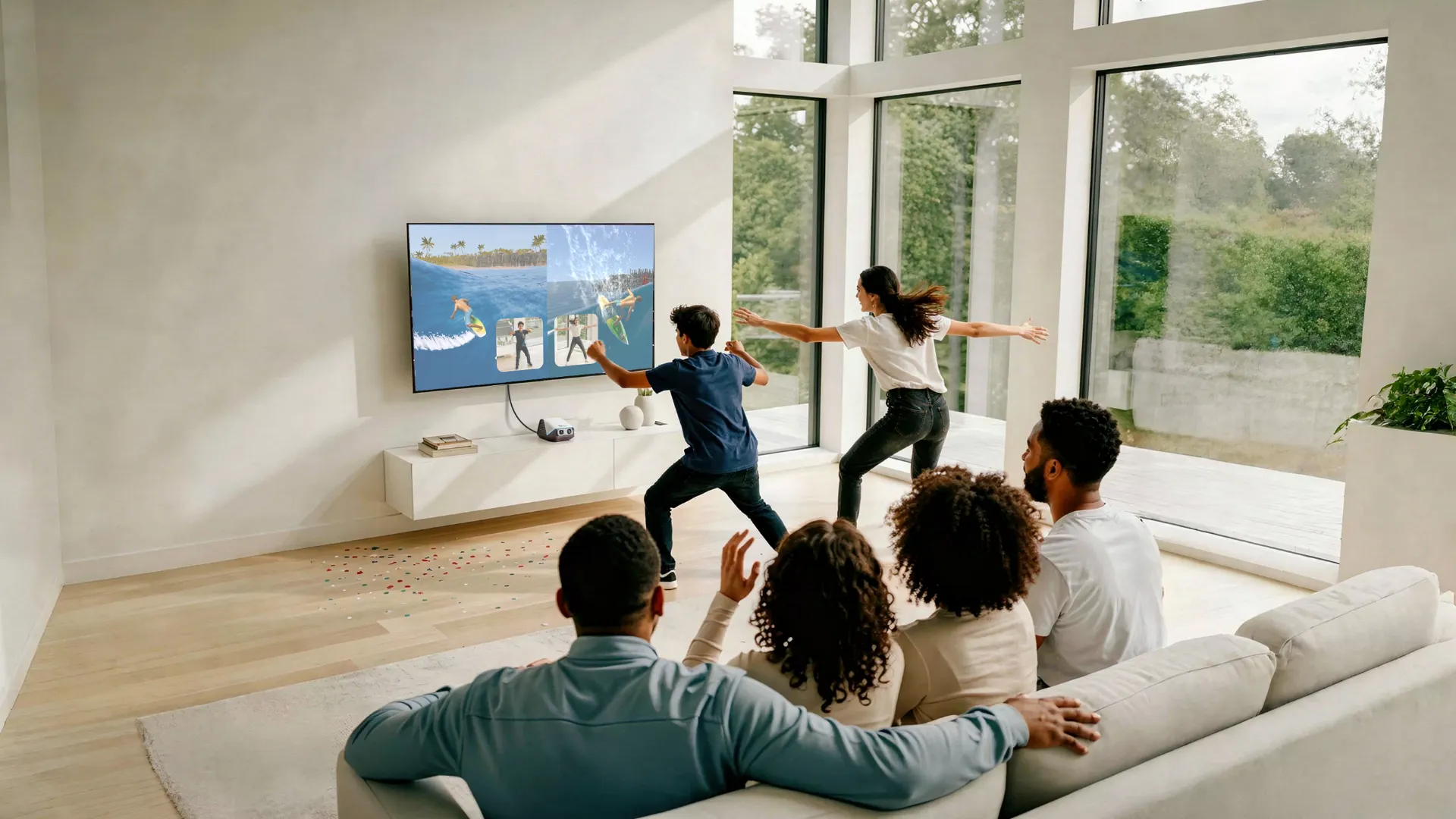
Launch Title
Store and Event Featuring
Selected launch titles can be featured in the store, trailers, and live demos.
Early SDK & Dev Kit
Eligible partners may receive earlier SDK drops and hardware access as inventory allows.
Press Coverage
Selected partners may be included in developer spotlights, campaigns, and launch materials.
Trade Show Demos
Showcase-ready titles may be considered for demos at events such as GDC, Gamescom, and TGS.
Founding Studio Recognition
Launch partners can receive early-platform recognition inside the BodyLink ecosystem.
Audience & Coverage
Rebuff Reality Product Reviewers
These numbers come from Rebuff Reality's existing audience, creator relationships, and press coverage, giving BodyLink a strong launch runway.
300M+
Views Across Channels
500k
Units Sold
3,000
Kickstarter Backers (All Projects)
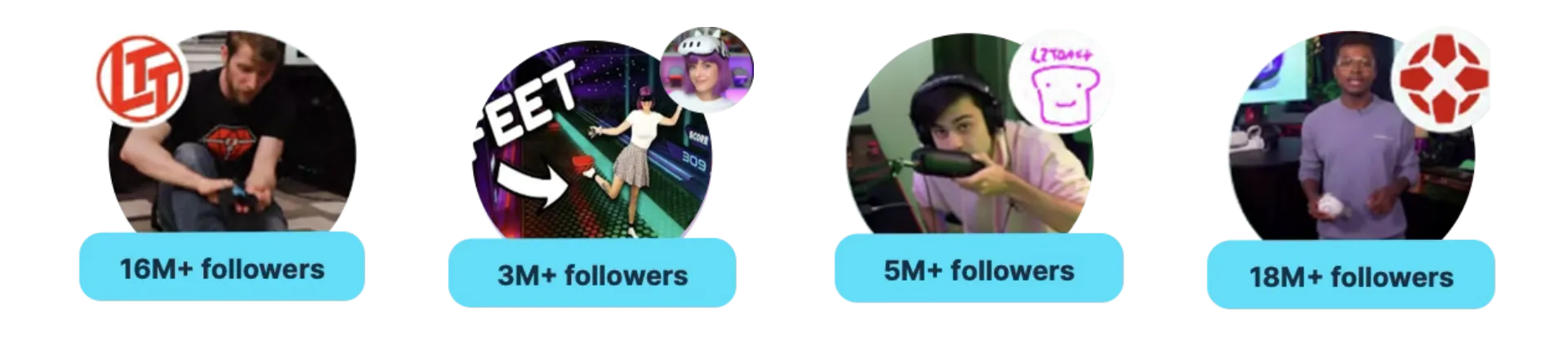
Screenshots from actual Rebuff Reality product reviews on YouTube
